

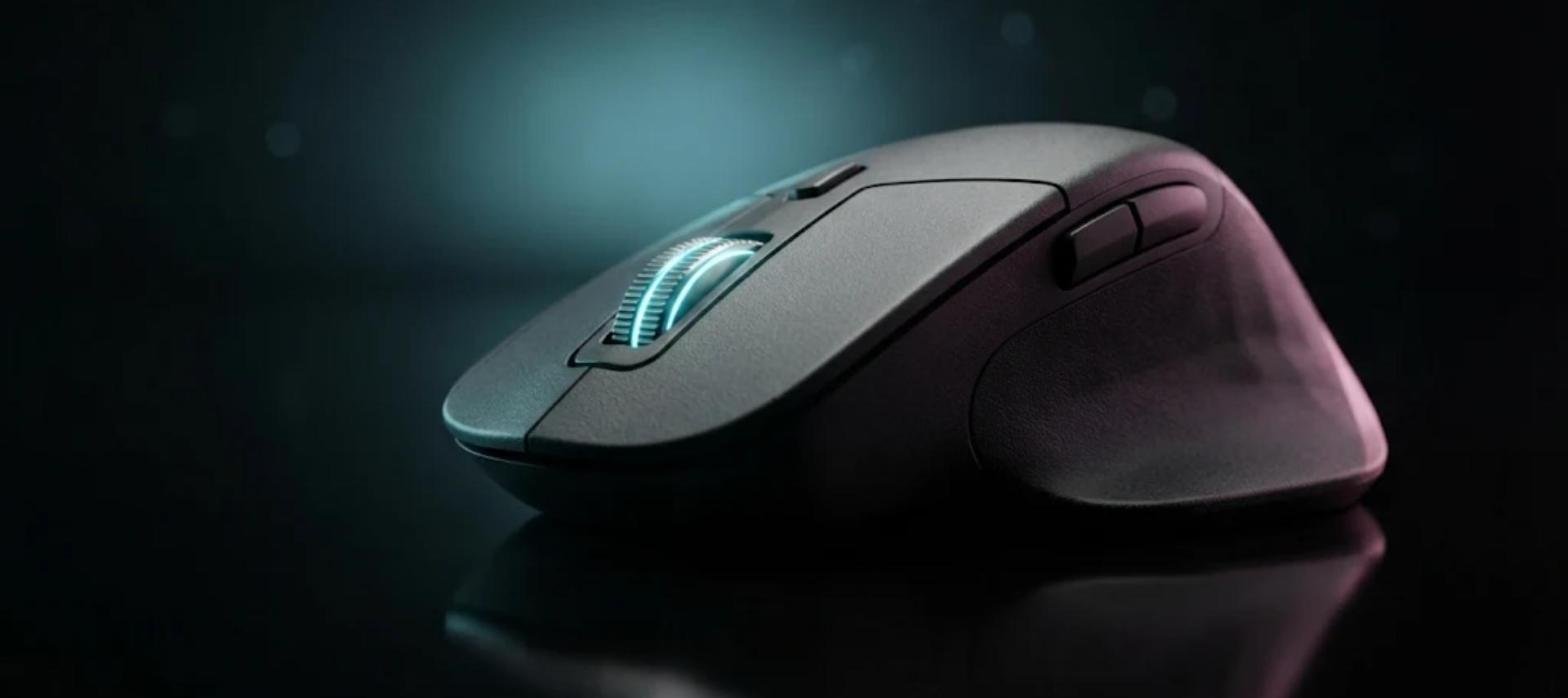
A mouse this expensive failing at the one thing you touch most is maddening, and the advice you find is almost all the same list: clean it, re-pair it, update the firmware, try another port.
That list is not wrong, it is just not aimed at anything. Before you try any of it, work out which of the wheel’s behaviours has actually broken, because they fail separately and the fixes are different.
The four things the wheel does
This is the step almost every thread skips. The MX Master 3 family has four related but distinct behaviours: ratchet mode, where the wheel steps through tactile detents; free-spin mode, where the heavy MagSpeed wheel rotates on its own inertia with almost no resistance; SmartShift, which switches between the two automatically based on how hard you flick; and the dedicated mode button under the wheel, which toggles modes manually and works independently of SmartShift.
Four mechanisms, four failure modes. “The scroll wheel is not working” could mean any of them. Spend thirty seconds identifying which before you touch a screwdriver.

Fix 1: turn SmartShift off
Start here, because it costs nothing and it is the most common cause of a wheel that spins but does not scroll.
Open Logi Options+, go to Point and Scroll, click the scroll wheel image, set SmartShift to off, and choose Ratchet or Free Spin explicitly. One owner who was close to selling the mouse as faulty found this restored scrolling on pages that had refused to move, and a reader confirmed in the comments that the same fix applies on Windows exactly as it does on macOS.
Why it works: SmartShift is deciding, many times a second, which mode you want. When it misjudges, the wheel is physically turning in a mode that is not sending the input you expect. Taking the decision away from it makes the behaviour predictable.
This is also the fix that Logitech’s own troubleshooting page does not name. That page suggests checking the wheel moves freely, disabling Smooth Scrolling, avoiding USB hubs, re-pairing, updating firmware and trying a different port — all reasonable, none of it pointing at the feature most likely to be responsible.
Fix 2: when the mode button does nothing
Different symptom, different cause. If pressing the button below the wheel produces no change, or the wheel is stuck permanently in free-spin and will not return to ratchet, the problem is mechanical rather than software.
The mechanism controlling wheel mode can reach a physical position where the magnetic control no longer moves it. A summary of that repair notes it can be freed with a sharp controlled impact, which suggests sticking friction or misalignment rather than a dead component.
In plain terms: hold the mouse firmly and give it one decisive tap against your palm, buttons down. It feels crude. It works often enough to try before opening anything, and it is reversible in a way that disassembly is not.
A related clue is worth knowing. One owner reported the wheel locked in frictionless mode where pressing the mode button froze mouse input for a second or two before resuming in the same mode, with every software and firmware fix failing. That pause is the mouse trying to move a mechanism that will not move.
Fix 3: clean the wheel assembly
If the mode switching is erratic rather than dead, dirt is a realistic cause. Cleaning the scroll wheel assembly has been reported to restore both SmartShift and free scroll, in one case on a mouse bought in December 2020 whose SmartShift and free-spin had both failed.
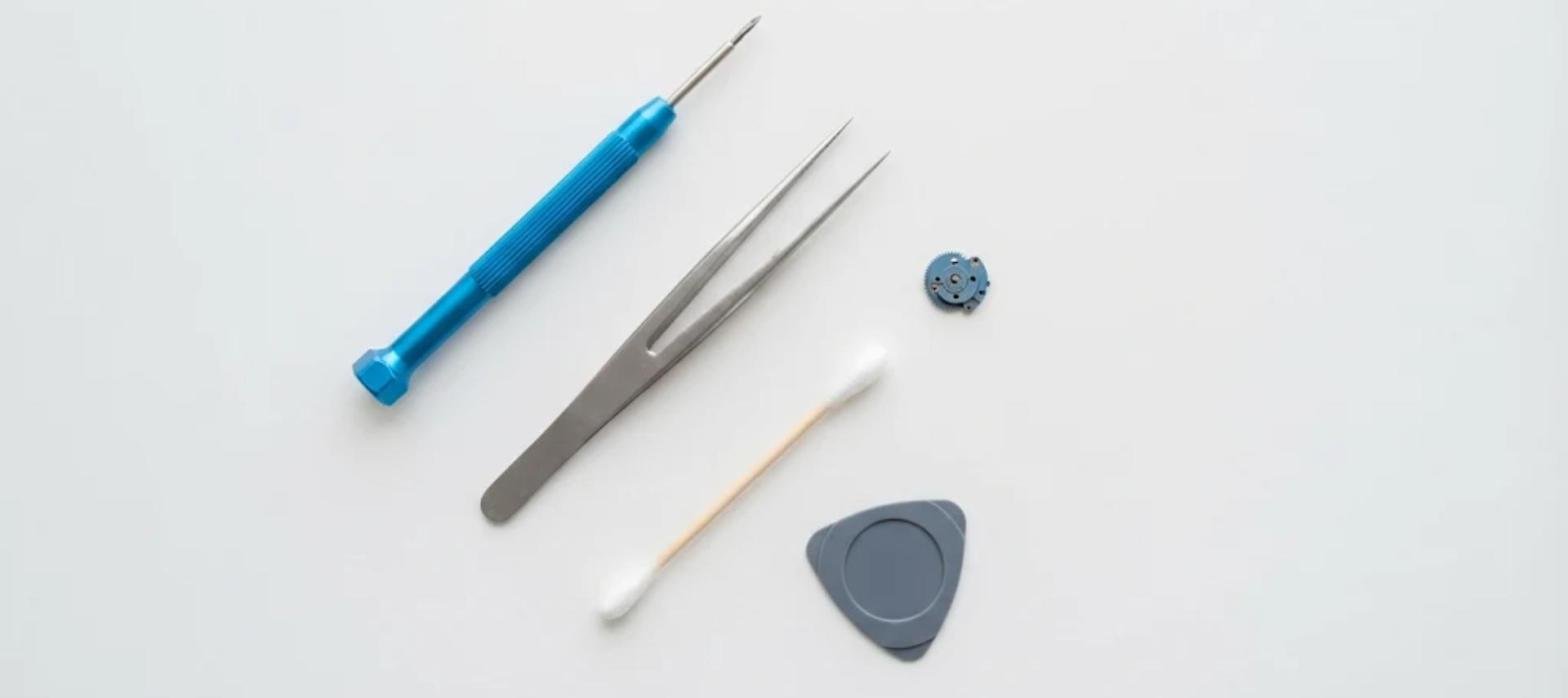
Two honest warnings before you reach for a screwdriver. This is an owner-reported repair rather than an official Logitech procedure, and the teardown can damage the mouse if handled carelessly. And getting in means peeling the glued-on mouse feet, which rarely survive looking new.
Try compressed air around the wheel first. Logitech suggests it too, and it occasionally does the job without opening anything.
Which symptom means what
| Symptom | Likely cause | Where to start |
|---|---|---|
| Wheel turns, page does not move | SmartShift misjudging mode | Turn SmartShift off |
| Stuck in free-spin, button does nothing | Mode mechanism jammed | One firm tap, then cleaning |
| Mode switching erratic | Dirt in the wheel assembly | Compressed air, then teardown |
| Fails only in one application | Application-level scrolling | Test in a second app first |
| Mouse disconnects when scrolling | Internal connection or damage | Teardown or replacement |
| No scrolling in any mode, anywhere | Encoder or cable | Test another computer, then warranty |
Before you blame the mouse
Two cases that look like hardware and are not.
It only fails in one application. One owner on Windows 11 found the wheel dead in Firefox alone, with smooth scrolling already disabled in Logi Options+. Always test in a second application before concluding anything.
You are on Linux. Ratchet mode can behave like free-spin there because tiny wheel fluctuations register as scroll events, while Windows ignores the same movement. That is input handling, not a fault in the mouse.
When it really is the hardware
If the wheel produces nothing in any mode, on any machine, you are looking at a loose cable, an encoder failure or severe mechanical damage — re-pair and test on another computer before considering disassembly.
Two other patterns point the same way. A mouse that disconnects when you scroll or change wheel mode has a documented teardown fix of its own, and one owner who dropped theirs lost the magnetic release entirely and saw the mouse disconnect whenever the mode button was pressed.
My honest take: if the mouse is in warranty and the wheel does nothing in any mode, claim rather than open it. Peeling the feet to chase an encoder fault is a bad trade on a mouse at this price. Out of warranty, the teardown becomes reasonable, because the alternative is a drawer.
What this guide cannot do
Three limits worth stating.
The tap in Fix 2 is not a guaranteed repair. It unsticks a mechanism that is sometimes stuck and sometimes genuinely broken, and there is no way to tell which from the outside.
Firmware updates come up constantly in these threads and rarely change anything. They are worth doing once, not worth repeating hopefully.
And I have not opened one of these myself. The teardown advice here is drawn from owners who have, and it is reported that way rather than as first-hand experience.
Frequently asked questions
Why does my MX Master 3 scroll wheel spin but not scroll?
Usually SmartShift. It switches between ratchet and free-spin automatically, and when it misjudges, the wheel turns in a mode that does not send the scroll input you expect. Turning SmartShift off and picking a mode explicitly fixes it in most cases.
How do I turn off SmartShift?
Open Logi Options+, go to Point and Scroll, click the scroll wheel image, and set SmartShift to off. Then choose either Ratchet or Free Spin as the fixed mode.
My wheel is stuck in free-spin and the mode button does nothing. What now?
That is mechanical rather than software. The mode mechanism can reach a position where the magnetic control cannot move it. Owners have freed it with one firm controlled tap on the mouse before resorting to opening it up.
Is it safe to open an MX Master 3 to clean the wheel?
It is possible but not official. The repair is owner-reported rather than a Logitech procedure, and careless handling can damage the mouse. You also have to peel the glued mouse feet to reach the screws, so plan on replacing them.
Will a firmware update fix the scroll wheel?
Rarely. It is worth doing once in case your unit is behind, but owners report little change from it. Settings and the mode mechanism are far more common causes.
The wheel only fails in one app. Is the mouse broken?
Probably not. Scrolling failures confined to a single application, Firefox being a reported example, are application-level rather than hardware. Test in a second app before troubleshooting the mouse at all.
The order that wastes least time
Test in a second application. Turn SmartShift off and set a fixed mode. If the mode button is dead, give the mouse one firm tap. Then compressed air, then the teardown, and only then the encoder. Most people stop at step two.
More hardware fixes: why a G502 starts double-clicking, clearing a Logitech webcam driver that blocks Memory Integrity, what actually stops Odyssey G5 flickering, and why a Bluetooth headset mic ruins your audio. Our free browser tools need no sign-up.