

One click opens two tabs. A drag turns into a drop halfway across the screen. In a game you scope in and immediately back out. The mouse feels fine under your hand, and that is the confusing part — nothing about the click feels different.
The G502 is one of the best-selling gaming mice ever made, and this is its signature failure. Here is what is actually breaking, and what to do about it in order of least damage first.
What is actually failing inside the mouse?
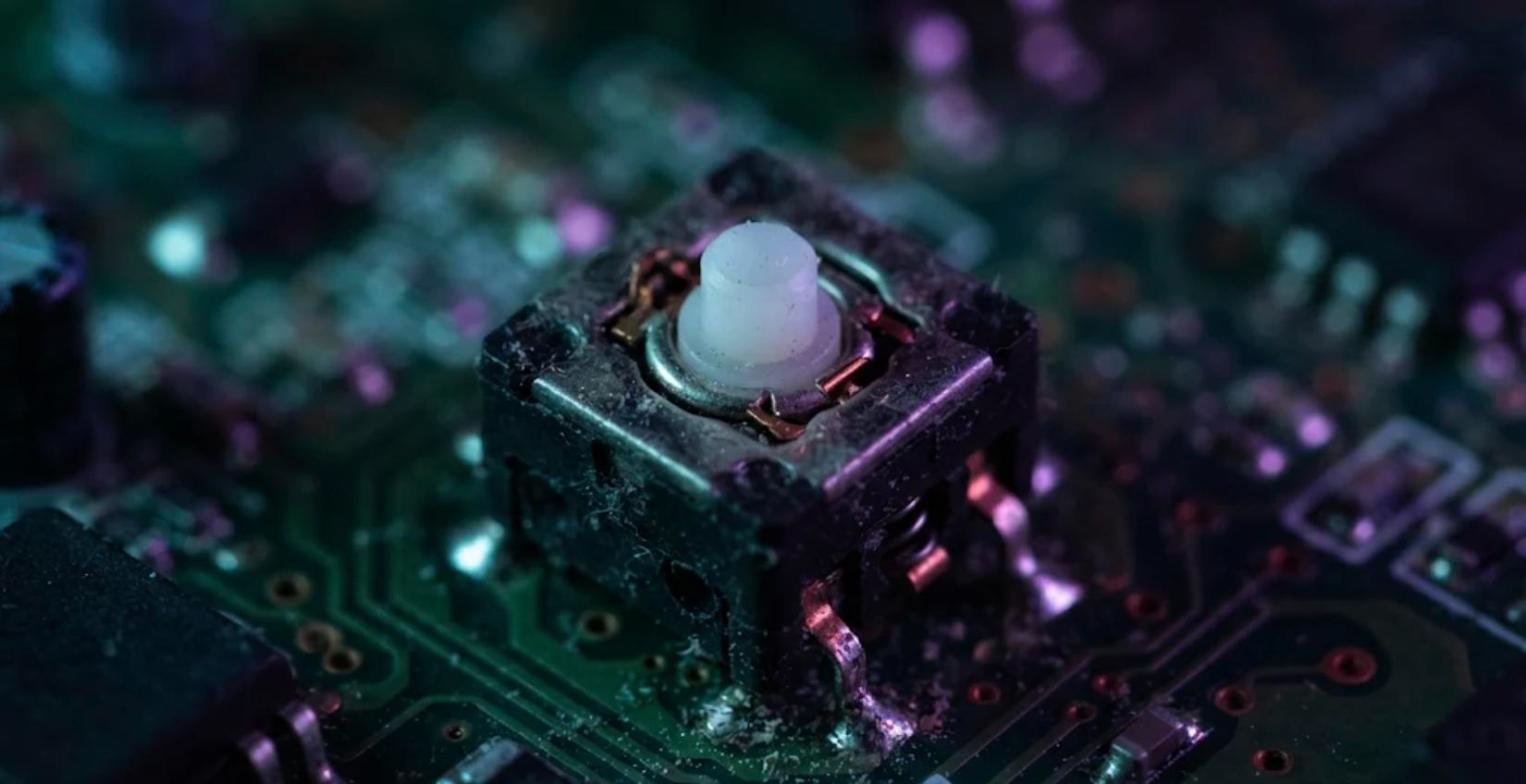
The left and right buttons sit on Omron mechanical switches. Inside each is a small metal leaf spring that bridges two contacts. The double-click problem is a hardware defect tied to those switches, and it is not unique to Logitech — most gaming mice at this price use the same parts.
Three things degrade them: corrosion on the contacts, debris working into the housing, and the spring losing tension after millions of presses. Any of the three lets one physical press register as two electrical signals.
This matters because it tells you what will not work. Reinstalling drivers does nothing to a tired spring. Neither does updating firmware. The switch is a mechanical part and it is wearing out.
Is it the switch, or is it Windows?
Spend two minutes ruling out software first. These causes are rare on a G502, but they are free to check.
- Check File Explorer. Open File Explorer, then the three-dot menu, then Options. On the General tab, make sure Double-click to open an item is selected rather than Single-click to open an item. In single-click mode every click opens things and the mouse is innocent.
- Check double-click speed. Press the Windows key, type mouse settings, open Additional mouse options, then the Buttons tab. Drag the speed slider toward Slow and test on the folder icon beside it. If a deliberately slow double-click still opens the folder, the setting is too forgiving.
- Test on another computer. The decisive one. Double-clicks on a second machine means hardware. Perfect behaviour there means the problem is your PC.
If it misbehaves everywhere, it is the switch.
Step one: claim the warranty before you touch a screwdriver
Most repair guides bury this at the bottom. It is the step that costs you nothing.
Logitech treats double-clicking as a hardware defect. Claims for it are routinely approved, and Logitech often does not ask for the faulty mouse back. Even out of warranty, support sometimes offers a discount code or a courtesy replacement.
Opening the case usually voids the warranty, and you cannot undo that. So: claim first, repair second. Cracking the shell on a mouse with four months of cover left is an expensive five minutes.
Step two: contact cleaner, no soldering
If the warranty is gone, this is the best fix available without a soldering iron.
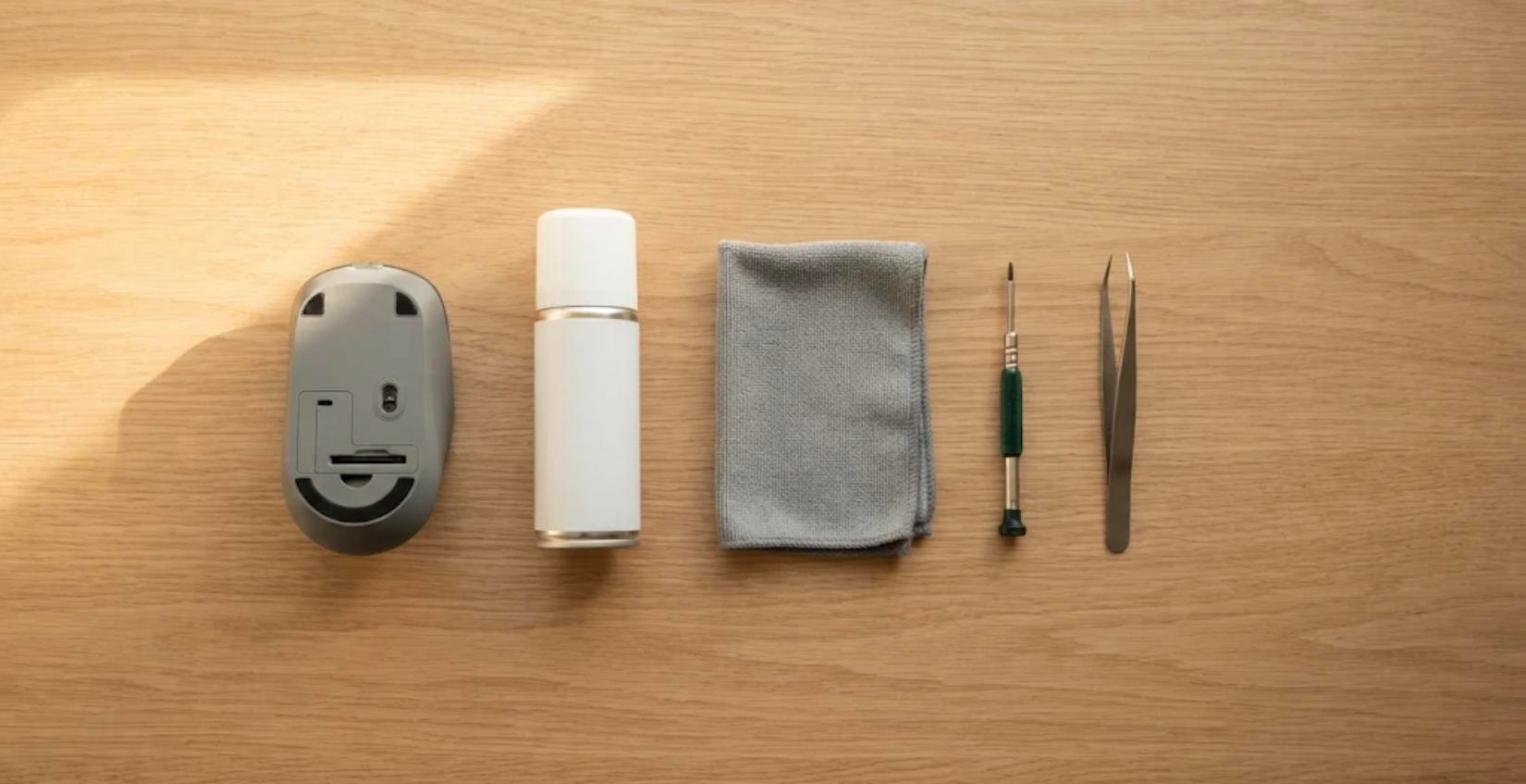
You need electrical contact cleaner — the kind sold for switches and potentiometers, not WD-40, which leaves residue. You are flushing contamination out of the switch housing through the gap around the plunger.
- Unplug the mouse.
- Press and hold the affected button down.
- Spray a short burst into the seam where the button meets the shell, aimed at the switch beneath.
- Click the button rapidly thirty to fifty times while it is still wet, working the cleaner across the contacts.
- Leave it to dry at least an hour before plugging it back in.
Be honest about what this is. It cleans corrosion and debris. It does nothing for a spring that has lost tension. Expect weeks or months, not a permanent repair.
Step three: debounce software to mask the symptom
Debounce software ignores a second click arriving unrealistically soon after the first. A human cannot double-click in under about 50 milliseconds; a failing switch does it in under 10. Software can tell them apart.
- X-Mouse Button Control — free, Windows, with a built-in double-click suppression setting.
- A G HUB macro. A documented LUA script approach for Logitech G mice filters repeat clicks inside the mouse software itself.
The trade-off is real: raise the threshold too far and you lose genuine fast double-clicks, which matters in anything competitive. Start low and increase only until the phantom clicks stop.
Which fix should you actually use?
| Approach | Cost | How long it lasts | Voids warranty |
|---|---|---|---|
| Warranty claim | Free | Permanent (new mouse) | — |
| Contact cleaner | ~10 USD a can | Weeks to months | No, if the shell stays shut |
| Debounce software | Free | Indefinite, but masks only | No |
| Switch replacement | Cheap parts, needs soldering | Permanent | Yes |
| New mouse | Full price | Until the next switch wears | — |
When to stop repairing
If you clean the contacts and the double-click returns within days, the spring is gone and cleaning will not bring it back. One technical write-up puts the odds of permanent microswitch failure at 60 to 70 percent once software and cleaning have both failed.
Then you either solder in new switches or replace the mouse. My honest opinion: if you are not already comfortable with a soldering iron, the G502 is a poor first project. The ribbon cable tears easily and screws hide under the feet, which have to be peeled off and rarely stick back down properly. Paying someone to swap the switches is reasonable. Learning to solder on a mouse you use daily is not.
What this guide cannot do for you
Contact cleaner is a gamble, not a procedure with a guaranteed outcome. It works on contamination and not at all on fatigue, and you cannot tell which you have until you try.
Debounce thresholds are personal. A value that fixes a spreadsheet user feels sluggish to someone playing a shooter. There is no correct number to copy.
And none of this is unique to the G502. The same switches and the same failure appear across most Logitech G mice and plenty of competitors, so the diagnosis holds even where the disassembly does not.
Frequently asked questions
Why does my Logitech G502 double-click on a single click?
The Omron microswitch under the button has worn. Corrosion, debris or a fatigued metal spring inside it causes one physical press to register as two electrical signals. It is a mechanical failure, not a driver or firmware problem.
Can I fix G502 double-clicking without opening the mouse?
Yes, two ways. Spray electrical contact cleaner into the seam around the button while holding it down, then click it rapidly while wet. Or use debounce software such as X-Mouse Button Control to ignore the phantom second click. Neither is permanent, but both avoid opening the shell.
Does Logitech replace mice that double-click?
Usually yes. Logitech treats double-clicking as a hardware defect and warranty claims for it are routinely approved, often without requiring the faulty mouse to be returned. Claim before you open the mouse, because opening it voids the warranty.
Will reinstalling drivers or updating firmware fix double-clicking?
No. A worn switch is a mechanical part. Reinstalling drivers, updating G HUB or changing firmware cannot restore tension to a metal spring. Do these only to rule out the rare software causes, not as a repair.
Is WD-40 safe to use on mouse switches?
No. Use electrical contact cleaner made for switches and potentiometers. WD-40 leaves a residue that attracts dust and can make the problem worse over time.
How long does the contact cleaner fix last?
Typically weeks to a few months. It removes contamination from the contacts but does nothing for a spring that has lost tension. If the double-clicking returns within days, the switch is mechanically finished and only replacement will fix it.
The order that saves you money
Rule out Windows in two minutes. Claim the warranty if you still have one, before touching a screwdriver. Clean the contacts if you do not. Run debounce software while you decide. Replace the switches or the mouse only once the first four have failed.
Most guides start at step four, which is why so many people buy a new mouse that Logitech would have replaced for free.
For other peripherals, we have guides on charging the Razer Basilisk V3 Pro without its dock and fixing the Lenovo HD200 headphone mic. Our free browser tools need no sign-up.